
Your legacy
Someone will inherit
all of this.
Most of us have never stopped to think about what happens to our photographs when we're gone. They will still be there. Tens of thousands of them, on a phone, on a drive, or behind an account somebody has to find the password for.
And then what? Your kids scroll. They see a kitchen and have no way to know it was your mother's. They see an afternoon at a lake and can't tell whether it was an ordinary Tuesday or the best day of that whole year. The picture survived. The reason it mattered didn't.
That is the part no amount of storage solves. A photo library is a record of what one person chose to pay attention to, and once you aren't standing next to it to explain, most of that goes quiet.
A tag is you saying, in your own words, that this one counted, and roughly why. Do enough of that and what you leave behind stops being a heap of files. It becomes something a person can walk through, in your company, years after you would otherwise have stopped being able to tell them.
That is what Photo Flashlight is for.
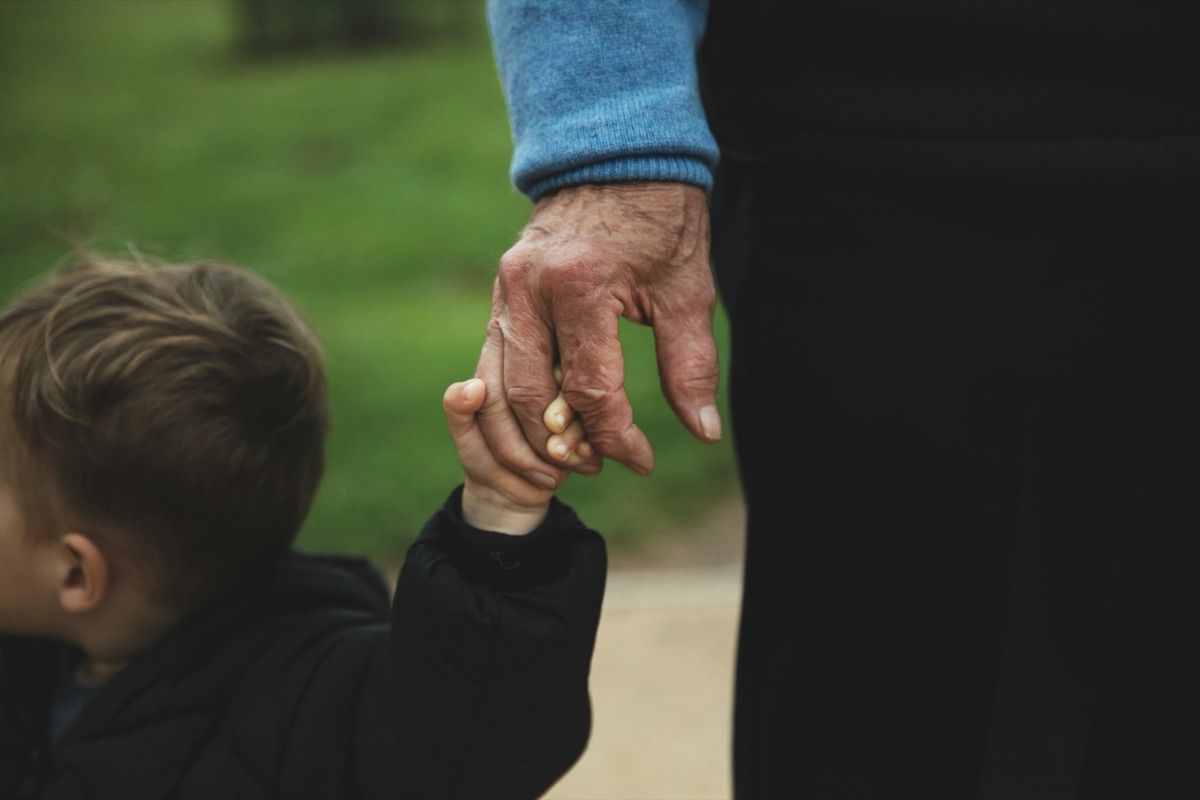
The Photo Flashlight Method
Create a map of your photo library.
Call your memories what they mean to you. The terms that occur to you in the moment are often the things that will stick with you.
For instance, we once went to a lake that our daughter kept calling her Aquarium as she looked for fish. Those pictures of her searching got tagged “In her Aquarium” along with a few other tags. That memory will likely persist and leave a path back.
You don’t need to be an expert in taxonomy (although that won’t hurt anything if you are), you just need to give yourself some breadcrumbs to get back. If you’d like a fuller tour, the Field Guide walks through it at a friendly pace.
Leave guideposts now. Follow them back later.

Why it's called a flashlight
Your organization travels.
Your photos don't have to.
Every other answer to a scattered library begins the same way: gather it all into one place first, then organize. Move the phone to the drive, the drive to the cloud, and only then start work. Photo Flashlight goes the other direction. It comes to the photos.
The names you write aren't attached to a filename or a folder. They're attached to a fingerprint of the picture itself, worked out on the device. So when Photo Flashlight meets a photo it has seen before, sitting on a different drive, in a different folder, under a different filename, it recognizes it and lights it up. Already handled. Already named. Already yours.
That is the whole idea behind the name. A flashlight doesn't rearrange the room. You carry it to the dark corner, and what was already there becomes visible.
It also changes the order of the work. You can start sorting wherever the photos already are, rather than hauling everything into one place for the privilege of starting. And if you consolidate later, you'll be moving a library you already understand instead of moving one in order to understand it.
Where this stands today
Photo Flashlight is a phone app right now, on iPhone and Android, and the layer travels between phones. A desktop release for Windows, Mac and Linux is slated for September 15, 2026, and that is what carries the layer onto computers, external drives and network storage. We would rather give you the date than let a diagram imply a finished product.
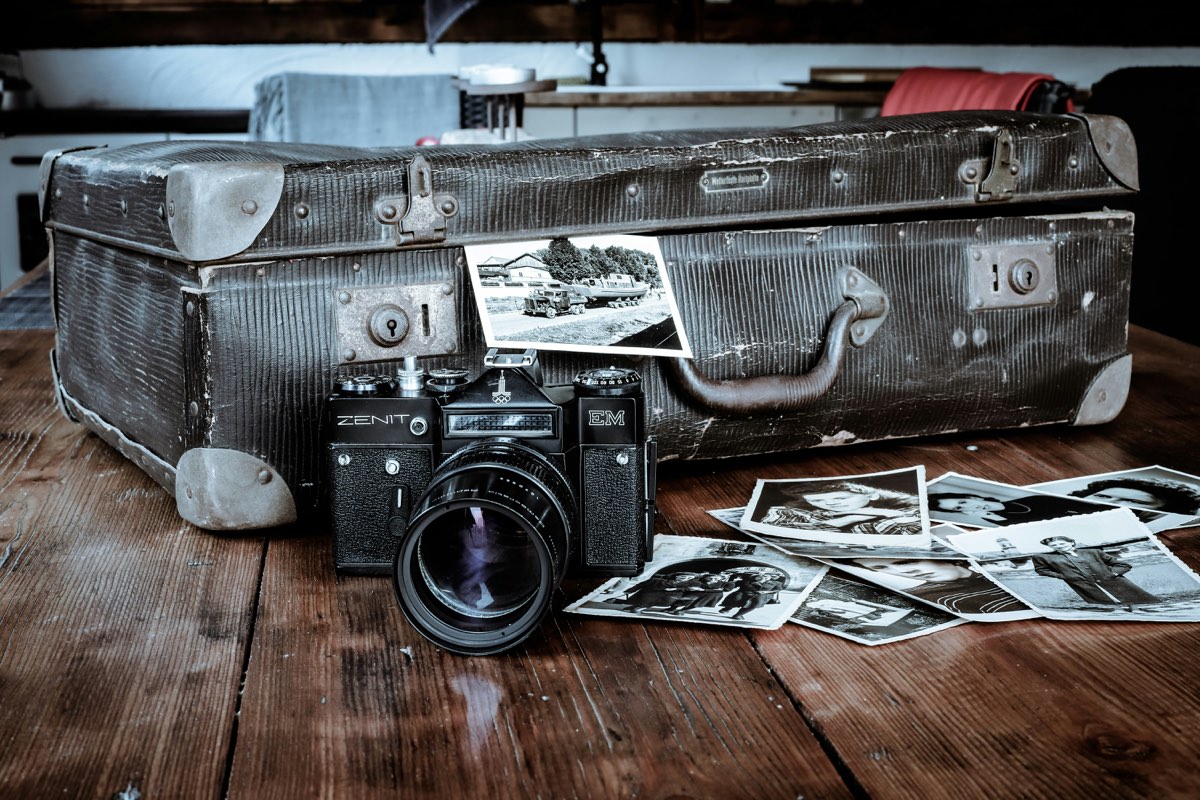
Privacy by design
The library never
leaves your hands.
What crosses between your devices is a fingerprint of each picture: enough to recognise it again, nowhere near enough to reconstruct it. That is why sync moves kilobytes, and why there is nothing on our side worth handing over.
Your photographs stay exactly where they already are, and the app itself needs no account. Optional sync asks for an email address so your devices know which tags are yours, and signs you in with a code rather than a password. It is used for that and nothing else, never marketing and never sold. What we store, and what we never do.
How it compares
Already using something else?
Most people arrive here already storing photos somewhere. These are honest comparisons, including the parts where the other tool is the better answer.
Worth saying plainly: Photo Flashlight is not a cloud backup, and it is not an auto-sorting AI. If you want a machine to decide what your photos meant, this is the wrong tool.